Adding Intelligence > Linking Events > The Report to Client To Do
 Adding and linking the "Report to Client" To Do
Finally, create the "Report to client" To Do and link it to the same Master Event, the "Attend in court" Appointment.
-
Select Events > All My Events in the File Details window to open the All My Events Brad view.
-
Click New to display the Event Details dialog and enter Report to client in the Title textbox.
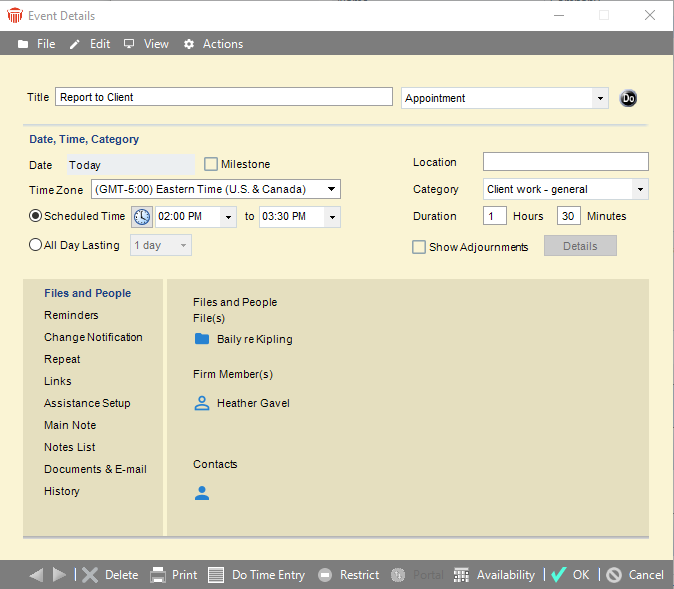
-
Choose Links on the navigation list at the left. The Links view displays.
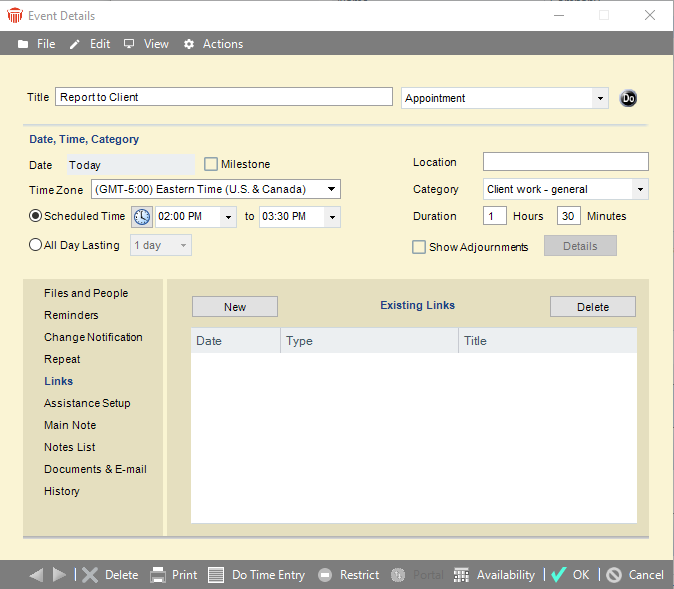
-
Click New. When asked whether you want to save the changes, click Yes. The Link Details dialog appears, and the Select Events dialog appears on top of that.
-
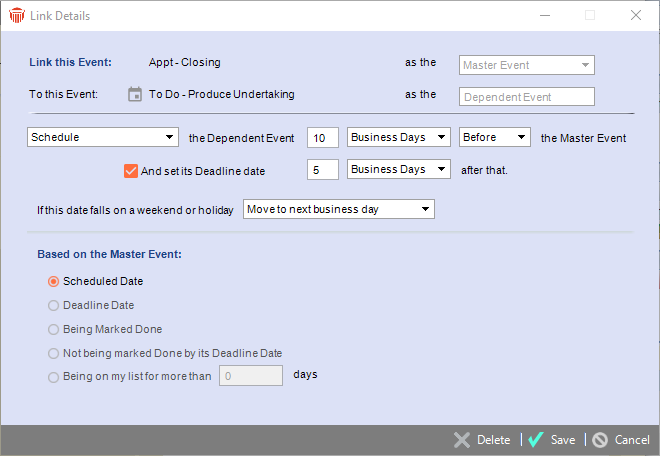
Select the Attend in court Appointment and click OK. The dialog closes and the Link Details dialog displays as follows:
-
The first line now shows Report to client as the Dependent Event and the second line now shows Attend in court as the Master Event.
-
Next, specify that you want this To Do to appear on your list one day after the court Appointment. To do this, select "Schedule" in the list box, type 1 in the next box, leave "Days" in the third box, and leave "After" in the fourth list box.
-
If you wish, leave its Deadline date set to be 10 days after its scheduled start date.
-
If you wish, select a rule in the "If this date falls on a weekend or holiday" list box.
-
-
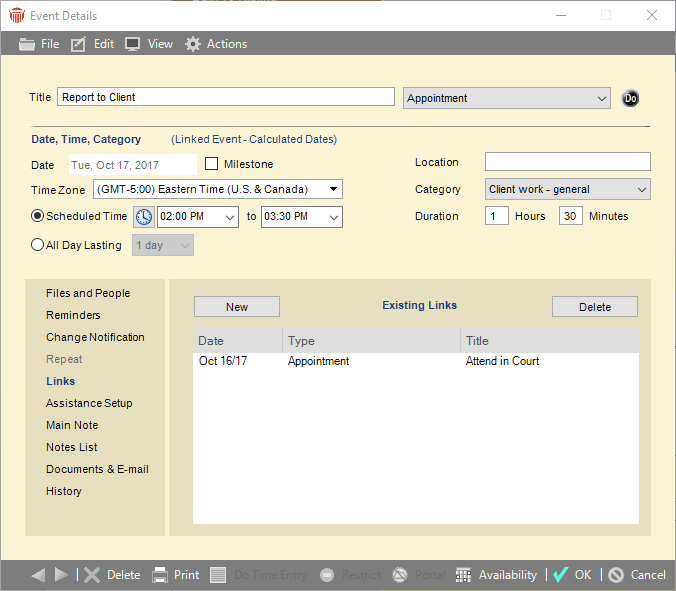
Click Save to return to the Event Details dialog for the Report to client To Do, the list of existing links in the Links view now includes the "Attend in court" Appointment.
-
Notice that you can no longer edit the date fields and the section header is now "Date, Priority, Category (Linked Event - Calculated Dates)". In addition, the Repeat view is no longer available.
-
-
Click OK.
Results
The All My Events brad view of the File Details window now shows all three Events.
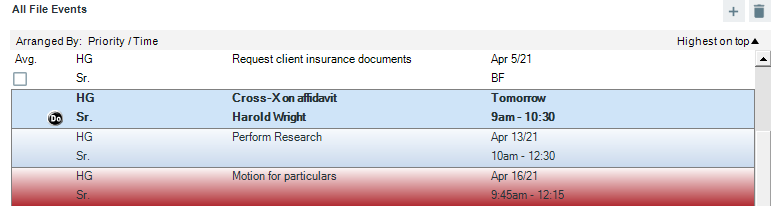
Both of the Dependent Events are now listed in the Links view of the Event Details dialog for the Master Event.
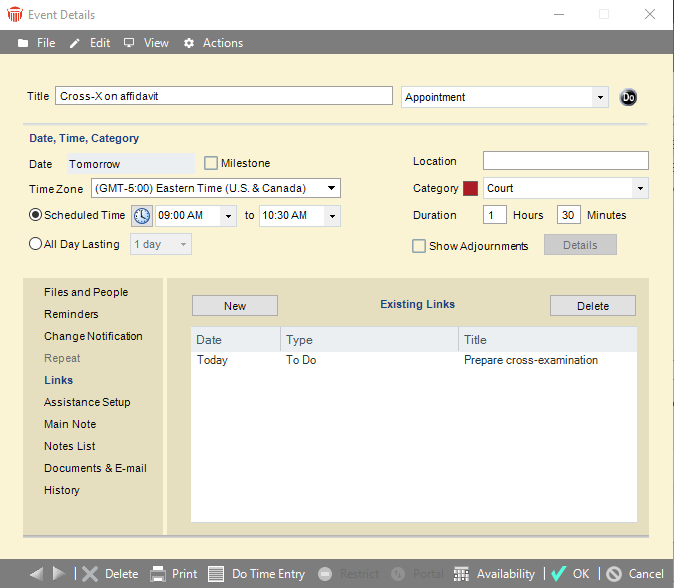
Most importantly, these three Events now appear in your Calendar.
Because they are linked, the Events are treated as one unit. If you reschedule the court Appointment, the dates of the dependent To Do's are adjusted accordingly.
Your effort in setting up a series of linked Events can be made even more worthwhile—you can save the whole set of steps as a Precedent that you can reuse on a different File. For information on saving Precedents, see Working with Precedents.
Related Topics